
Screen sharing
Share a screen or window with voice, camera and chat. No account required.
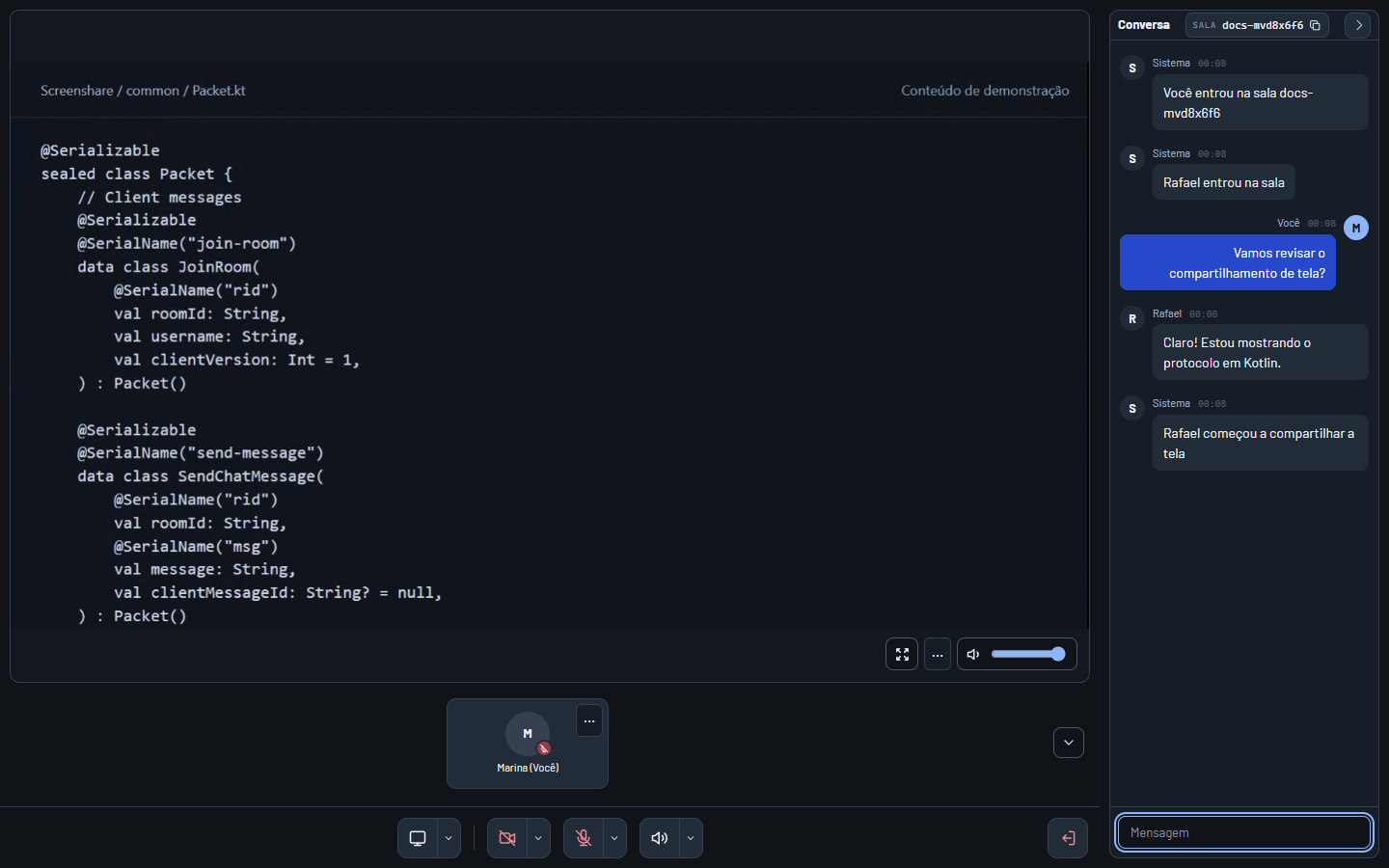
How to use it
Browser recording, no audio. Transcript
Downloads
The app also lets you share a single program's audio, control the call from the tray and update itself. Its interface is in Brazilian Portuguese.
Questions
Who can join a room?
Anyone with the code. Only share it with people you want in the room.
Can I share audio?
In a browser, you can share at most a single tab's audio or the whole computer's, depending on the browser and system. With the whole computer, people on a call with you in another app, such as Discord, hear their own voices back. In the app, you can share a single program's audio; on Windows, computer audio already leaves out Discord, other call apps and Screenshare itself. Protected content may have no picture or sound.
Are messages saved?
Messages remain available while the room exists. The history is deleted when the room closes or the server restarts.
Is it free?
Yes. No account, ads or paid plan. The source is open, under the MIT license.
Browser or app?
The browser is enough to join a room, talk, turn on your camera and share your screen. The app adds a single program's audio, the tray and automatic updates.
What does Screenshare collect?
Error reports and anonymous usage statistics: how many rooms and shares happen, how long they last and why quality drops. Never your name, the room code, your IP or what you share. Statistics can be turned off from the arrow next to the speaker, under "Enviar estatísticas de uso anônimas".